When you need to see a doctor, waiting on hold is rarely how you want to spend your morning. If you are looking for how to book GP appointment online, the process is usually straightforward, but a few small details can make it much easier to get the right care at the right time.
Online booking works best when you treat it as more than just choosing the first available slot. A good appointment is not only about speed. It is also about booking the right type of consult, with the right clinician, at a time that suits your health needs and your day.
How to book GP appointment online step by step
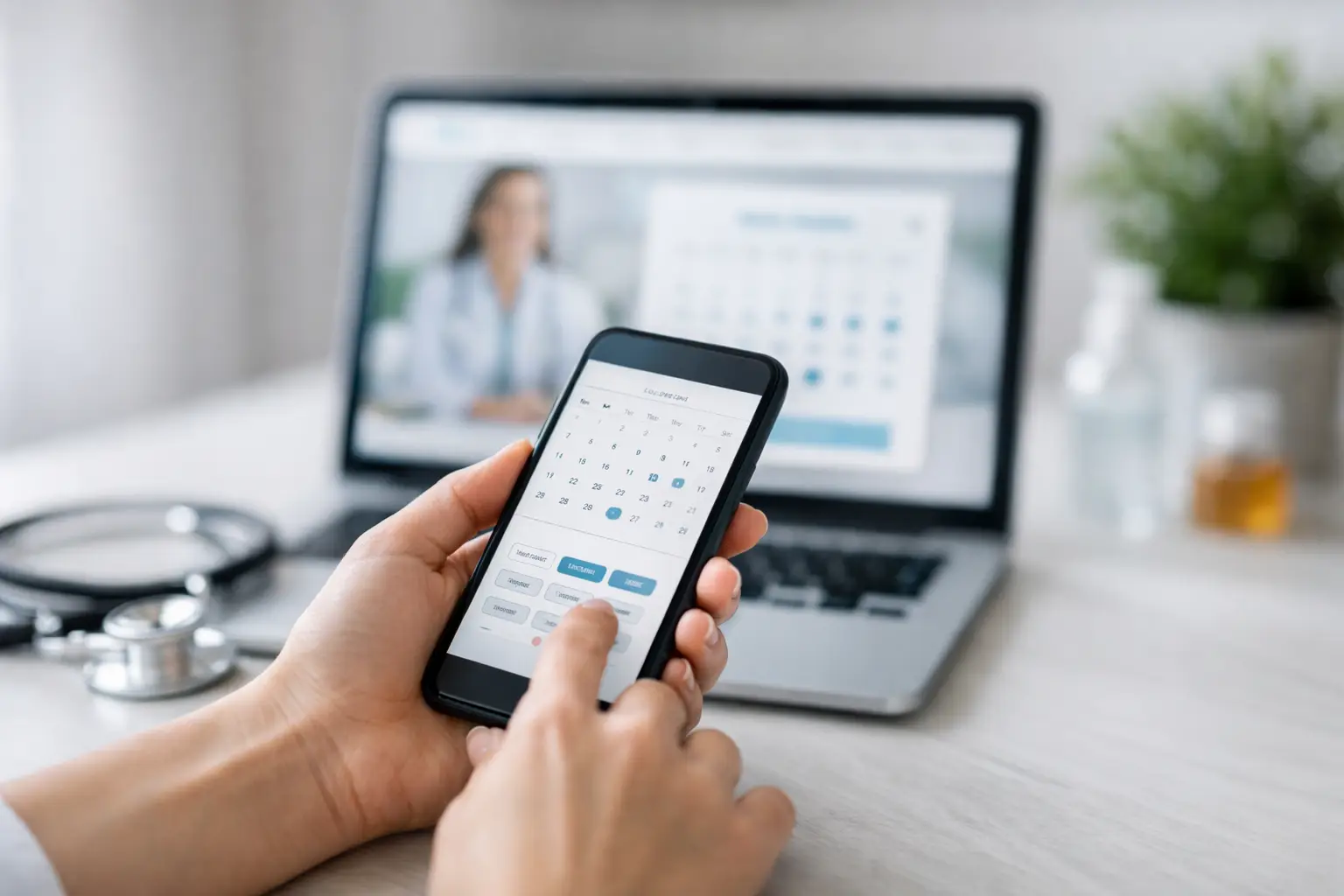
Most general practices now offer online bookings through their website or a secure booking platform. In many cases, you can book on your mobile in a few minutes. The exact screens may differ from clinic to clinic, but the process is usually similar.
Start by selecting the clinic you want to attend. If you already have a regular GP, choose the practice you know and trust. Continuity matters, especially if you are managing a long-term condition, following up test results, or booking for a child or older family member.
Next, choose the doctor or appointment type. Some patients prefer the earliest available appointment with any GP. Others want to see their usual doctor. Neither option is wrong. It depends on why you are booking. If the issue is urgent but not an emergency, the first available GP may be the better choice. If it is an ongoing matter such as a care plan review, medication follow-up, women’s health concern, or chronic disease check, your regular doctor may be more appropriate.
You will then select a date and time. Many systems show several options across the week, which can help if you are fitting healthcare around school drop-off, work hours, or caring responsibilities. Practices with extended opening hours can make this much easier for working adults and families.
After that, you will usually enter or confirm your personal details. This may include your name, date of birth, mobile number, Medicare details, and sometimes your reason for visit. Be accurate here. Small mistakes can cause delays at check-in or make it harder for the clinic to match your records correctly.
Once you confirm the booking, you should receive a text message or email. Keep that confirmation handy. It will often include the appointment time, doctor name, clinic address, and any instructions about arrival, fees, or what to bring.
Choosing the right appointment type matters
One of the most common problems with online booking is choosing a standard short consult when you actually need more time. That can leave both you and your GP rushed.
If you have more than one issue to discuss, need paperwork completed, want a mental health consultation, are booking a procedure, or are attending for something more specialised such as travel medicine, iron infusion planning, skin checks, or women’s health care, it is worth checking whether a longer appointment is recommended. Clinics often list these options clearly, but if they do not, calling the practice may be the best next step.
This is where online booking is convenient, but not perfect for every situation. It is excellent for straightforward GP visits. For more complex needs, a quick phone call can still be useful to make sure you are booked into the right service.
What to have ready before you book
Booking online is faster when you have a few basics ready. Your Medicare card, concession details if relevant, and a clear idea of your availability are usually enough to get started. If you are a new patient, it also helps to have your address, emergency contact, and any current medication information nearby.
If you are booking for a child, make sure you are using the correct patient details rather than your own. If you are booking for an elderly parent or someone you care for, double-check that the mobile number and contact details attached to the booking are the ones the clinic should use.
It also helps to know whether you need an in-person appointment or whether a telehealth consult may be suitable. Not every issue can be managed over the phone or video, so it is worth reading the appointment descriptions carefully.
When online booking is the best option
For many patients, online booking is ideal because it is available after hours, early in the morning, and during busy parts of the day when making a call is inconvenient. It suits people who want to compare appointment times quietly, without feeling rushed.
Parents often find it useful when planning around school and activities. Working adults can check available times during a lunch break or on the train home. Seniors and regular patients may appreciate being able to rebook follow-up visits without needing to wait on the phone.
At a community-focused clinic such as Parkmore Medical Centre, digital booking can be especially helpful because it supports the practical side of care. You can arrange GP visits, plan follow-ups, and access a connected care environment more easily when booking is simple from the start.
When it is better to call the clinic instead
Online systems are helpful, but they do have limits. If your concern is urgent, complicated, or involves a procedure, calling the clinic may save time. Reception staff can often guide you to the right appointment type and advise whether you need to be seen sooner.
It is also better to call if you cannot find a suitable time online, if you need help with interpreter support, if you are unsure whether a service is available, or if you are booking something specific such as occupational medicals or a specialised assessment.
And if you think your condition may be an emergency, do not wait for an online appointment. Seek urgent medical care immediately.
Common mistakes to avoid when you book GP appointments online
The biggest mistake is booking the wrong consult length. The second is choosing a random doctor when continuity of care would be more helpful. Seeing the same GP over time can make a real difference, especially for family health, preventive care, and long-term conditions.
Another common issue is ignoring the clinic’s booking instructions. Some practices will ask you to arrive early, complete an online check-in, or bring specific documents. Those details are easy to miss when you are booking quickly on your mobile.
Patients also sometimes book multiple separate appointments for one person when a longer consult would have been more suitable, or they book under the wrong family member’s profile. Both can create confusion at the front desk and slow things down on the day.
How to make your online booking work better for you
A little planning can make the whole experience smoother. If your schedule is tight, look for clinics with early, evening, or weekend-friendly availability. If cost matters, check billing information before confirming the booking, particularly if you are booking for children, concession card holders, or other eligible patients.
If you have a regular GP, try to book follow-up appointments before leaving the clinic after your current visit, or book online as soon as your doctor recommends a review. That is often easier than waiting until the last minute, especially during busy periods.
It is also worth using online booking as part of a broader approach to your health care. Rather than only booking when you are unwell, use it for preventive health checks, care plan reviews, skin checks, women’s health appointments, travel advice, and ongoing monitoring where needed. That is where convenience can support better long-term health, not just faster access.
A simpler way to stay on top of your health
Learning how to book GP appointment online is really about making health care easier to fit into real life. For some people, that means finding the first available appointment after work. For others, it means keeping care consistent with a trusted local doctor who knows their history.
The best online booking experience is one that helps you get the right support without extra stress. Take a moment to choose the correct appointment, check the details, and book with a clinic that values accessible, coordinated care. A few careful clicks now can make the whole visit feel calmer later.